
Receiving
Scan or enter a tracking or bill-of-lading reference, capture pallets, and document what arrived.
Pallet Scan · Built for iPhone
Capture pallet dimensions, shipment references, and photo evidence in one workflow. Keep receiving, inventory, and shipping records together, from the dock to the cloud.
iOS 17 or later. LiDAR-assisted capture requires a compatible LiDAR-equipped iPhone.
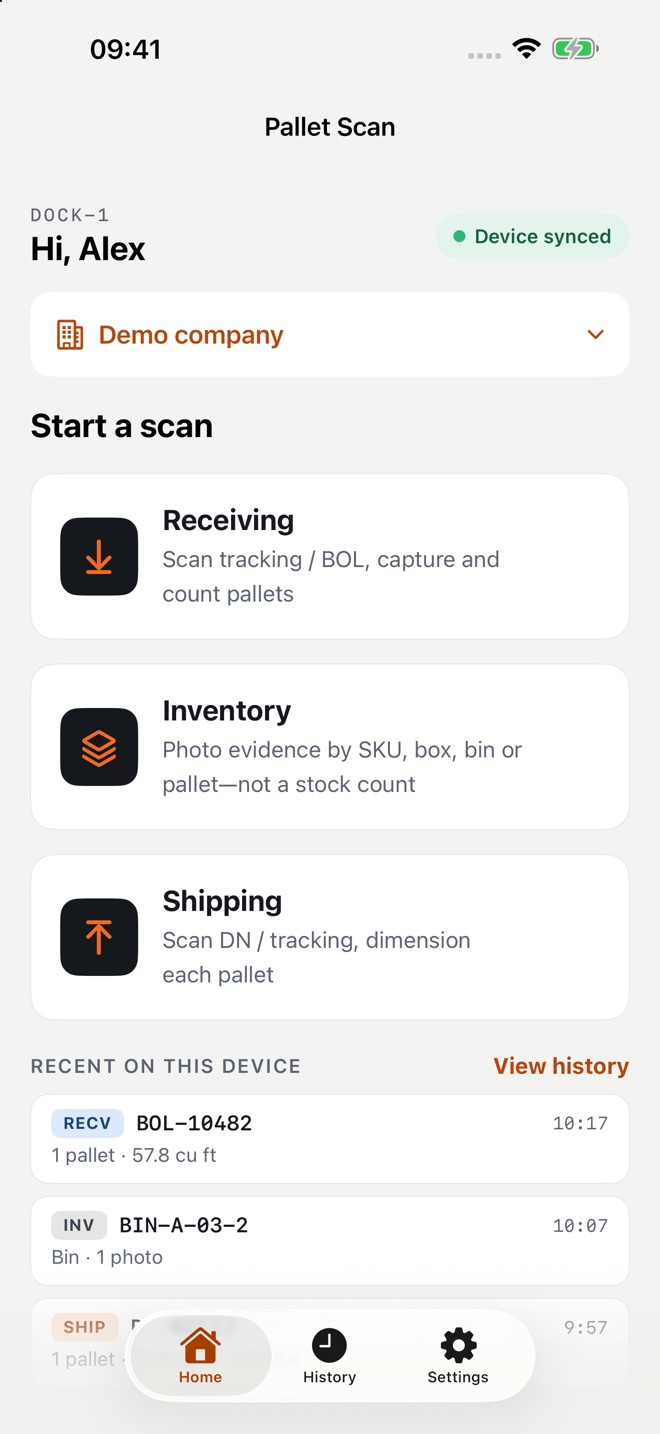
Inside Pallet Scan
Actual simulator screenshots in mock mode. Camera imagery and records shown here are simulated, not live warehouse captures.
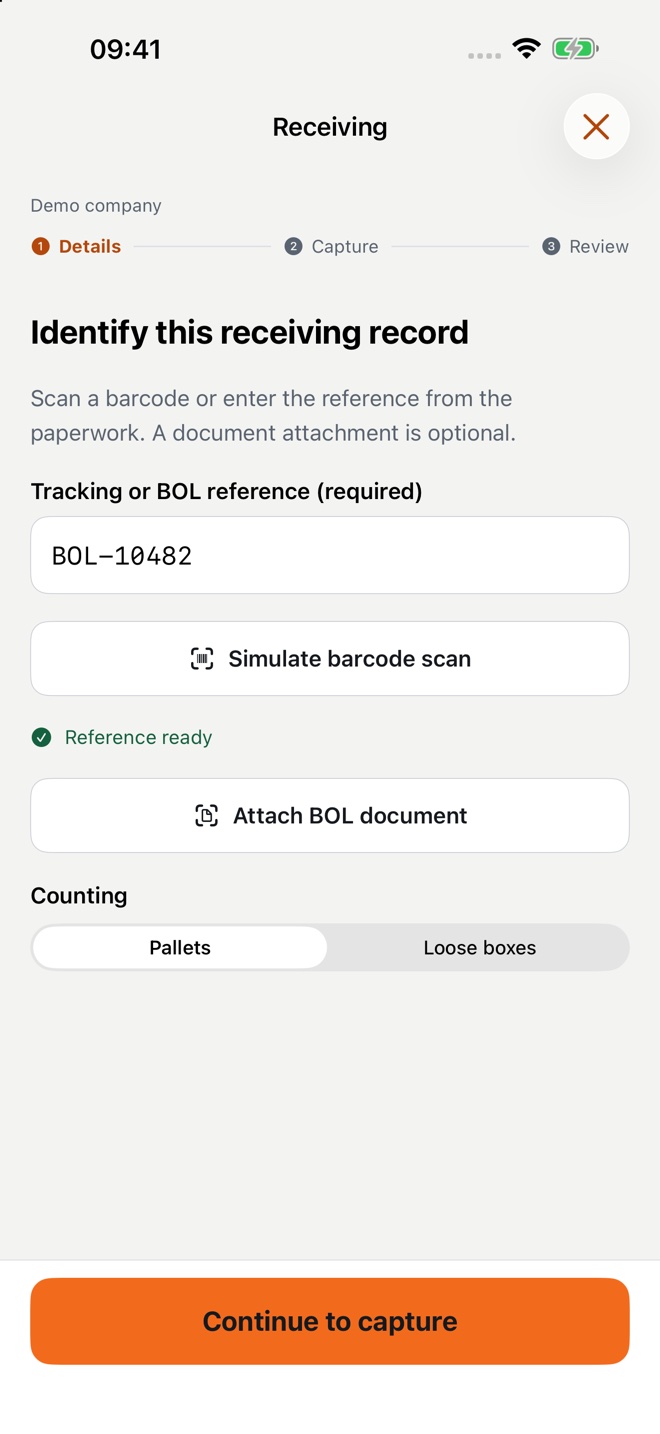
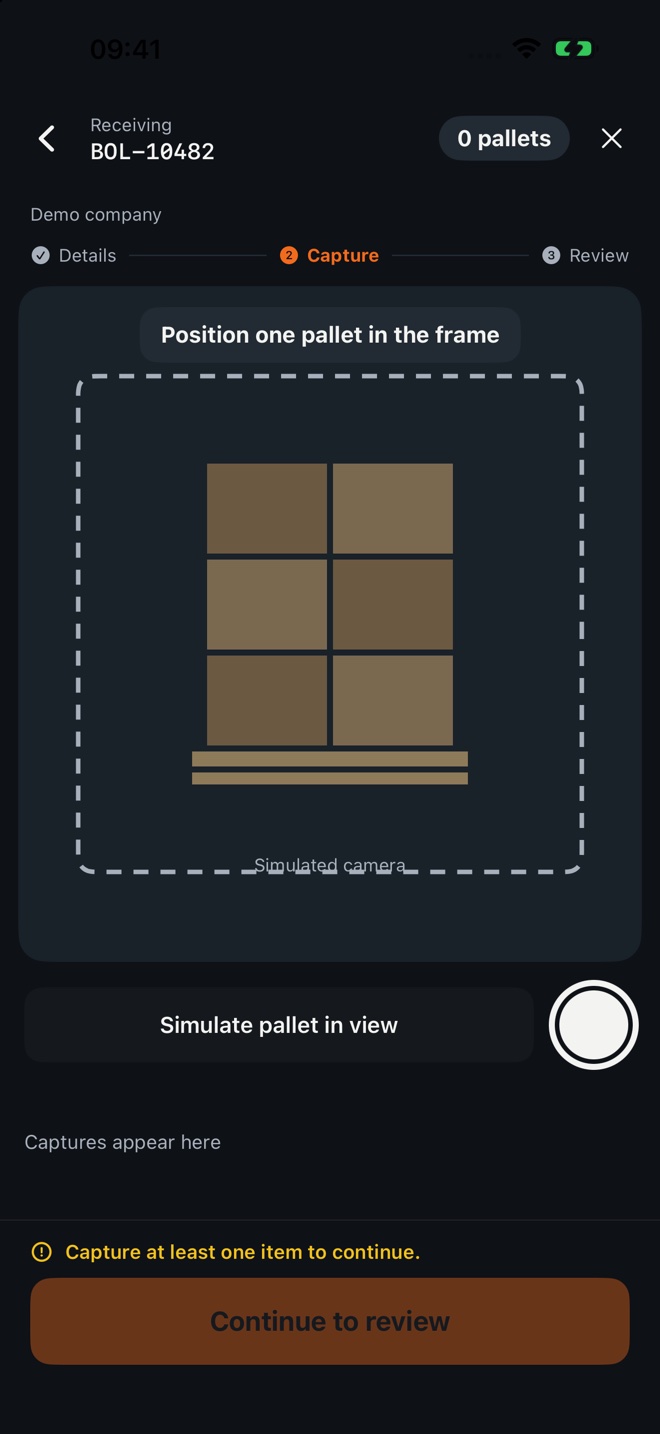
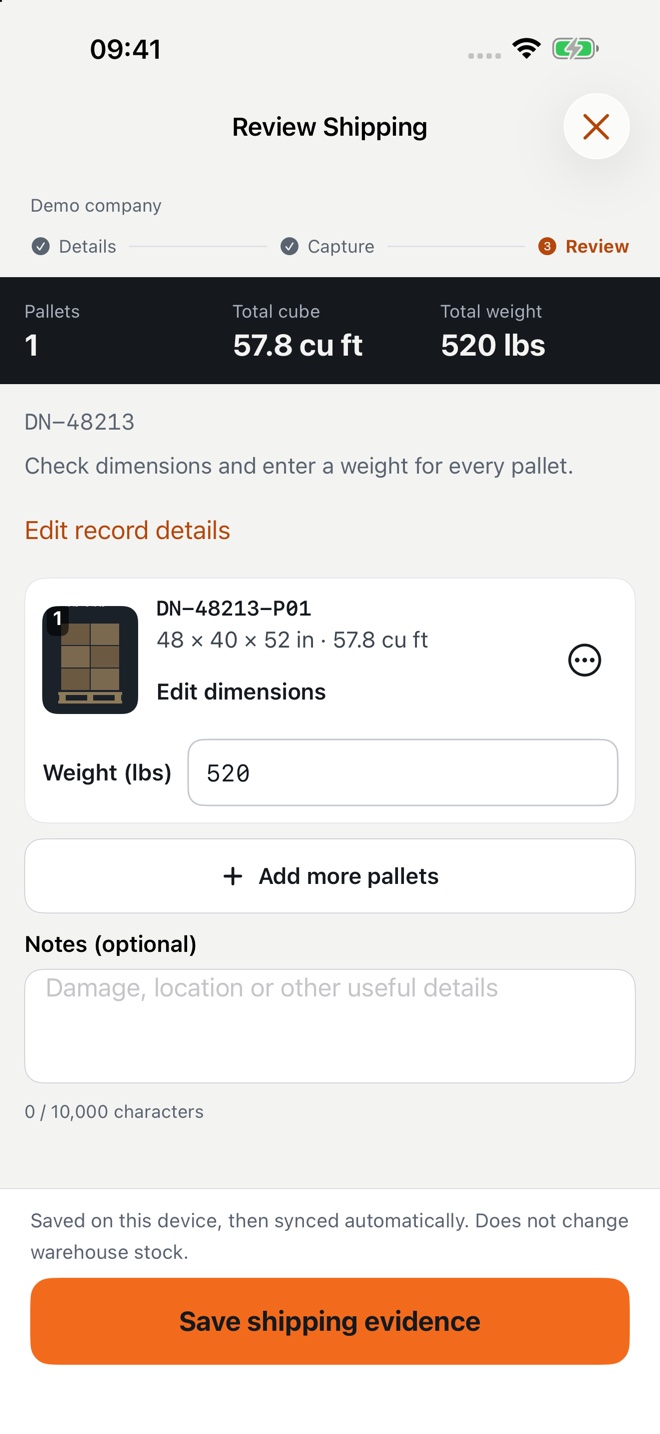
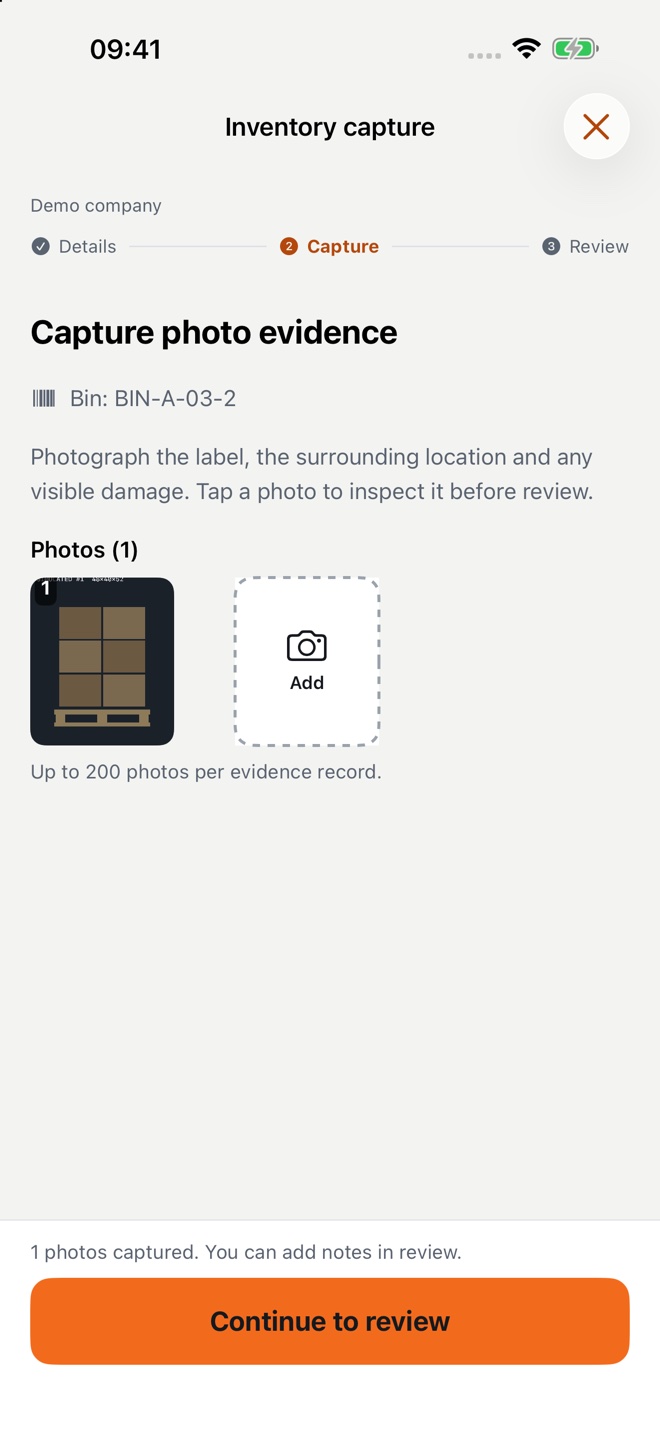
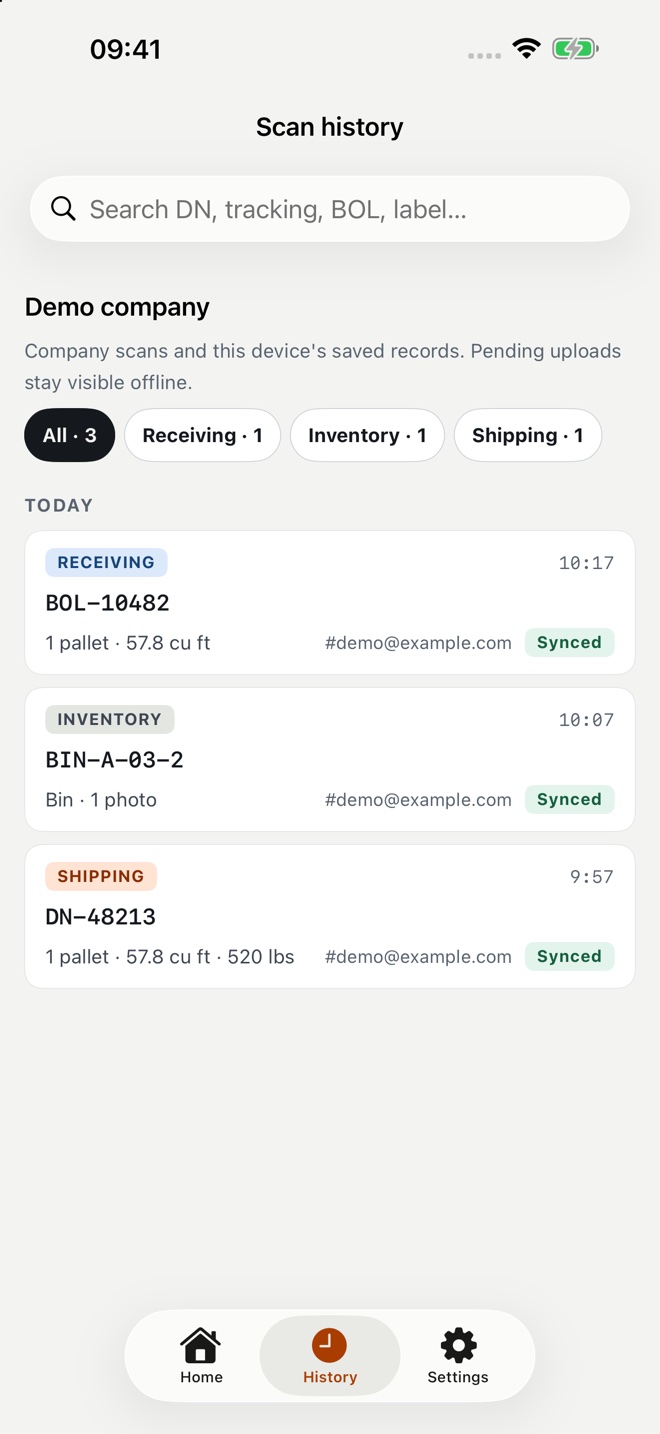
Three workflows. One record.
Scan or enter a tracking or bill-of-lading reference, capture pallets, and document what arrived.
Record label references, surrounding context, and visible damage without changing your stock counts.
Connect outbound pallet captures and shipment evidence to a delivery note or tracking reference.
Evidence that stays with the shipment
Capture individual pallets with compatible iPhone hardware. Review dimensions and counts before saving.
Keep stamped photo evidence and scanned BOL or delivery-note PDFs with the same record.
Submit records locally and retry uploads when connectivity returns. Confirm sync before removing local data.
Find local and company records by shipment or label reference, with cloud history available online.
Share authorized access with company members while owners manage membership and stored-record cleanup.
Photos and PDFs use private cloud storage and short-lived viewing links. Keep exported copies and links secure.
Know before you scan
LiDAR-assisted dimensions depend on visible surfaces, lighting, and device tracking. Review measurements before submitting. Pallet Scan is not a certified legal-for-trade measuring instrument.
On iPhones without LiDAR, capture photos and enter dimensions manually. Uploads and cloud history require connectivity; submitted local records can wait in the offline queue.
Invite your team, share company records, and manage cloud storage as the company owner. Available plans and localized subscription prices are shown in the app.
Storage is total capacity, not a monthly upload allowance. If capacity is exceeded, new uploads pause rather than deleting existing cloud records.
Read subscription termsPallet Scan is coming soon to iOS. Capture shipment evidence from receiving to shipping, right on your iPhone.